Your restaurant's website is more than a digital brochure—it's the front door to your business for anyone searching online. A well-built site with the right elements can fill tables, reduce phone calls, and put you ahead of competitors who still rely on a basic Facebook page.
Your Menu Needs to Be Mobile-First and Always Current
The number one reason people visit a restaurant website is to see the menu. If your menu is a blurry PDF that's impossible to read on a phone, you're losing customers before they even consider walking in.
HTML Menus Over PDFs
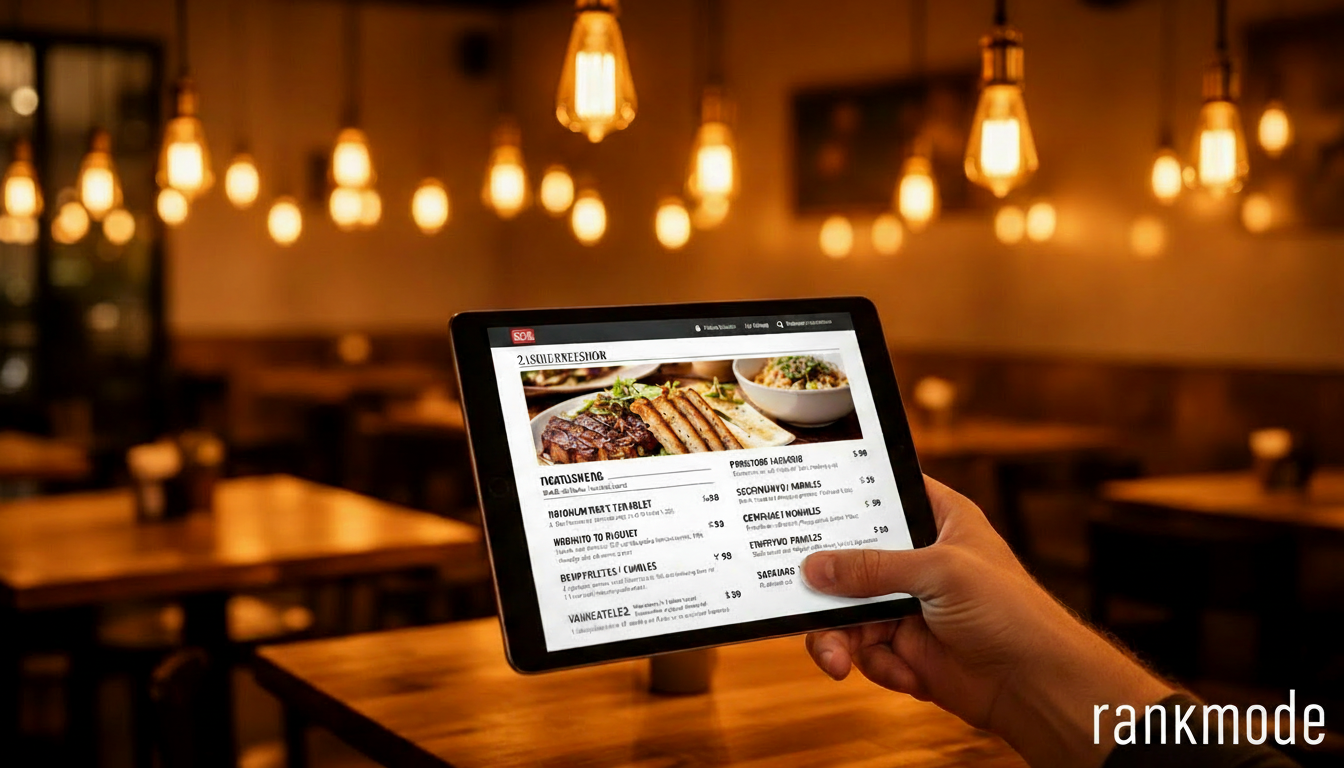
Build your menu as a proper web page, not an uploaded PDF. HTML menus load faster, are readable on every device, and—critically—are indexable by Google. When someone searches "best pasta near me," Google can find menu items on an HTML page but not inside a PDF.
Organize by category (appetizers, mains, desserts, drinks) with clear pricing. Include dietary icons or labels for vegetarian, vegan, gluten-free, and allergen information. These small details show professionalism and help customers decide faster.
Keep It Updated
Nothing frustrates a diner more than arriving to find that the dish they saw online isn't available. If your menu changes seasonally or weekly, make sure your website reflects that. Even a simple "Menu updated [date]" note builds trust and shows you're actively maintaining your online presence.
Online Reservations: Reduce Friction, Fill More Seats
Every extra step between "I want to eat there" and "I have a table" is a chance to lose a customer. Online reservations eliminate the friction of phone calls and make booking available 24/7.
Integration Options
You don't need to build a reservation system from scratch. Services like OpenTable, Resy, or even a simple Google Forms setup can work depending on your restaurant's size and style. The key is embedding the booking widget directly on your website so customers never have to leave your site.
Place your reservation button prominently—in the header, on the homepage hero section, and on the contact page. Make it impossible to miss. A "Reserve a Table" button should be as visible as your restaurant's name.
Connect Reservations to Your Google Business Profile
Google allows you to add a reservation link directly to your Business Profile. When someone finds you on Google Maps, they can book a table without even visiting your website. This convenience can significantly increase bookings, especially for impulse diners searching "restaurants near me" on their phones.
Local SEO Elements Every Restaurant Website Needs
Restaurants are inherently local businesses, which means local SEO should be baked into every page of your website. Here's what matters most.
NAP Consistency
Your Name, Address, and Phone number should be identical everywhere—your website footer, your Google Business Profile, Yelp, TripAdvisor, and any other directory. Even small differences like "St." vs "Street" can confuse search engines and hurt your rankings. For more on how consistency affects local rankings, see our Google Business Profile basics guide.
Location-Specific Content
Mention your neighborhood, city, and nearby landmarks naturally throughout your site. "Located in the heart of [neighborhood], just steps from [landmark]" helps Google understand where you are and who you serve. Your About page is a great place for this.
Consider creating content around local events: "Join us for [City] Restaurant Week" or "Our special menu for the [Local Festival]." This type of content naturally targets local search terms. For more content ideas, check our guide on local SEO content strategies.
Schema Markup for Restaurants
Adding structured data (schema markup) to your website helps Google display rich results for your restaurant—star ratings, price range, cuisine type, and hours right in the search results. The "Restaurant" schema type is specifically designed for this and can make your listing significantly more eye-catching.
Photos and Content That Drive Bookings
Professional food photography is one of the best investments a restaurant can make for its website. People eat with their eyes first, and mouth-watering photos of your dishes do more selling than any written description.
- Hero image: A stunning shot of your signature dish or dining room atmosphere
- Menu photos: At least your top 5–10 dishes photographed professionally
- Ambiance shots: Show what the dining experience feels like—lighting, decor, patio seating
- Team photos: Put faces to the food—your chef, your servers, your story
These same photos can be uploaded to your Google Business Profile to boost engagement there as well. Learn more about how photos impact visibility in our guide to optimizing your Google Business Profile.
Don't Forget the Basics
Beyond menus and reservations, make sure your restaurant website includes these essentials:
- Hours of operation: Updated for holidays and special closures
- Location with embedded map: Make it effortless to find you
- Contact information: Phone, email, and social media links
- Online ordering link: If you offer takeout or delivery
- Gift cards: An easy revenue stream that brings new customers in
A great restaurant website doesn't need to be complicated—it needs to be fast, mobile-friendly, and focused on getting people to your tables. If you need help building one that checks every box, explore our website plans at Rankmode.pro.