When someone searches "grocery store near me" or "supermarket open now," Google decides which stores to show. Your Google Business Profile is the single biggest factor in whether your supermarket appears in that list—or gets buried beneath competitors.
The 'Near Me' Moment: Why It Matters for Supermarkets
"Near me" searches for grocery and food-related businesses have grown steadily year over year. These aren't casual browsers—they're people ready to drive somewhere right now. They're looking for the closest, most convenient, most appealing option.
For supermarkets, this is a massive opportunity. Unlike restaurants or specialty shops, grocery stores serve a universal need. Almost everyone within a few miles of your store is a potential customer. The question is whether your GBP is set up to capture them.
Get the Basics Right First
Before any advanced tactics, make sure your profile is complete and accurate. For supermarkets, this means:
- Correct business hours: Including holiday hours and any early/late shopping windows
- Accurate address and phone number: Consistent across your website, social media, and directories
- Primary category: "Supermarket" or "Grocery store"—choose the one that best matches how customers search for you
- Secondary categories: Add relevant ones like "Organic grocery store," "Bakery," or "Deli" if applicable
These basics seem obvious, but incomplete profiles are shockingly common—even among large chains. For a deeper dive into getting your profile set up correctly, see our Google Business Profile basics guide.
Photos That Sell the Shopping Experience
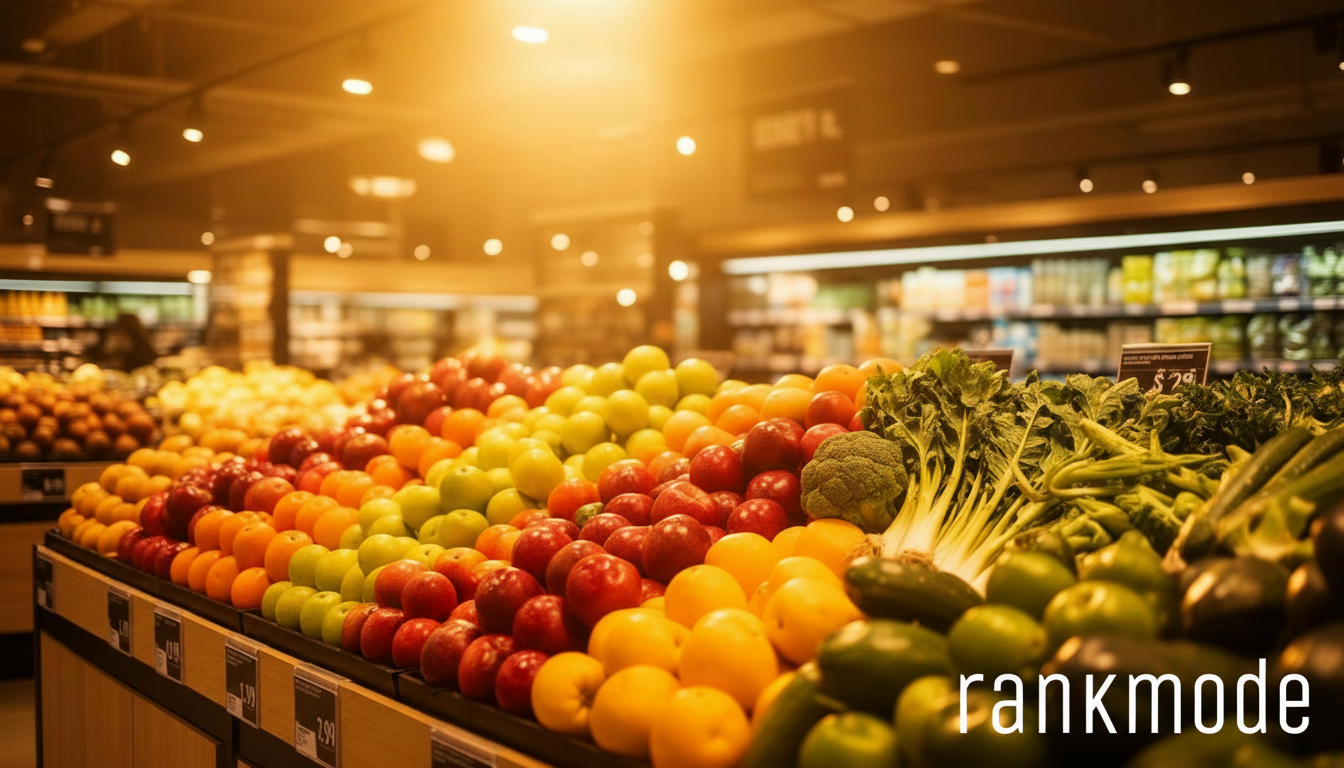
Supermarket photos need to do one thing: make people feel like your store is clean, well-stocked, and worth the trip. The most effective photos for grocery stores include:
- Fresh produce displays: Colorful, well-organized fruit and vegetable sections signal quality
- Specialty departments: Bakery, deli, butcher counter, prepared foods—these differentiate you from competitors
- Clean, wide aisles: Interior shots that show an organized, welcoming environment
- Seasonal displays: Holiday setups, summer BBQ sections, back-to-school snacks
Update photos weekly if possible. Google favors profiles with fresh content, and shoppers notice when photos look current versus outdated. A store that looks alive online will feel more appealing than one with photos from two years ago.
Google Posts: Your Weekly Flyer, Digitized
Think of Google Posts as your digital weekly flyer—except it shows up right when someone is deciding where to shop. Effective post ideas for supermarkets:
- Weekly specials: "This week: buy 2 get 1 free on all organic produce"
- New arrivals: "Now carrying locally sourced honey from [Farm Name]"
- Seasonal highlights: "Everything you need for Thanksgiving—order your turkey by Nov 20"
- Community events: "Free cooking demo this Saturday at 11am—learn to make fresh pasta"
Posts expire after seven days, which actually works in your favor—it forces fresh content and keeps your profile looking active. For more posting strategies, check out our guide on optimizing your Google Business Profile like a pro.
Reviews: The Trust Factor for Grocery Shoppers
People read supermarket reviews differently than restaurant reviews. They're looking for signals about cleanliness, product quality, staff friendliness, and checkout speed. A store with hundreds of reviews averaging 4+ stars will consistently win over a competitor with fewer or lower-rated reviews.
Encourage reviews by training checkout staff to mention it: "If you enjoyed shopping with us today, we'd love a Google review." You can also include QR codes on receipts or at the exit. The key is making it easy and natural—not pushy.
Always respond to reviews, especially negative ones. A thoughtful response to a complaint about long checkout lines ("We're sorry about your wait—we've added two more registers during peak hours") shows future customers you care and take action.
Q&A: Answer Before They Ask
The Q&A section on your Google Business Profile is often overlooked by supermarkets, but it's where shoppers go to ask practical questions:
- "Do you carry gluten-free bread?"
- "Is there a pharmacy inside?"
- "Do you offer grocery delivery?"
- "What time does the deli close?"
Proactively seed your Q&A with common questions and helpful answers. This not only serves customers but also adds keyword-rich content to your profile that can help with search visibility.
Attributes and Services That Set You Apart
Google lets you add attributes to your profile that highlight what makes your store special. For supermarkets, relevant attributes include:
- Curbside pickup available
- In-store shopping
- Delivery available
- Wheelchair accessible
- Accepts EBT/SNAP
These attributes show up as filters in Google searches. If a shopper searches for "grocery store with delivery near me," stores with the delivery attribute enabled will rank higher. Don't leave these blank—they're free signals to Google about what you offer.
Winning the Local Pack
The local pack—those top three results with the map—is where most "near me" clicks happen. To consistently appear there, you need a combination of relevance, distance, and prominence. You can't control distance, but you can control everything else.
Keep your profile active, encourage reviews, respond to customers, post weekly, and ensure your website reinforces your local presence. For tips on improving your map visibility specifically, see our Google Maps SEO tips guide.
Winning the "near me" shopper isn't about tricks—it's about consistently showing up as the best, most helpful option. If you'd like help keeping your profile optimized while you focus on running your store, check out our plans to see how Rankmode.pro can help.